How to embed external reports on a HubSpot dashboard.
You know how some areas of HubSpot don't have reporting features that you can embed on a dashboard (List performance, CTAs, Campaign deep dives)? Frustrating, right?
Well with the latest update to embed external reports on a dashboard this is solved! All you need to do is copy and paste the URL of the report you're looking to see and embed that on your dashboard. Here's how:
Step 1
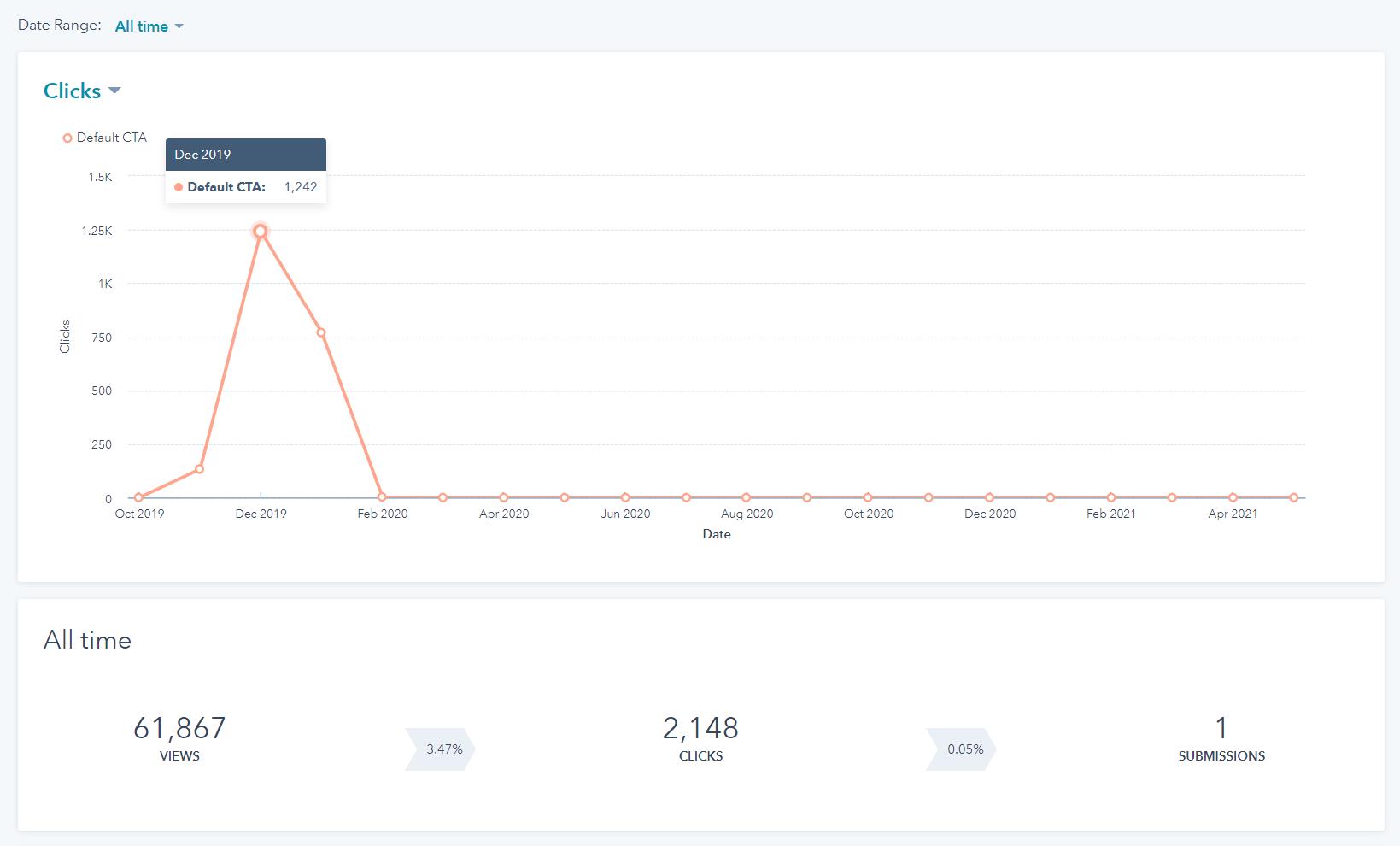
Navigate to the page you want to embed. In my case, a CTA report.
Step 2
Copy that page URL and navigate back to your dashboard then select "Actions" in the top right and "Embed External Content". Then paste in your URL you copied in the previous step.

And voila! The report you wish you were able to see on a dashboard is now there.
That's all for this quick tip, stay tuned for more!